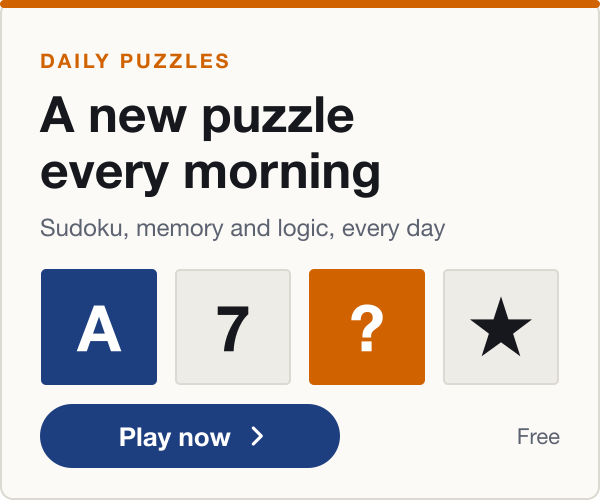
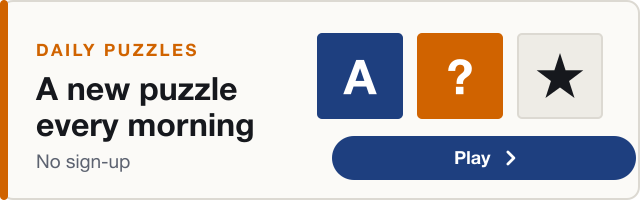
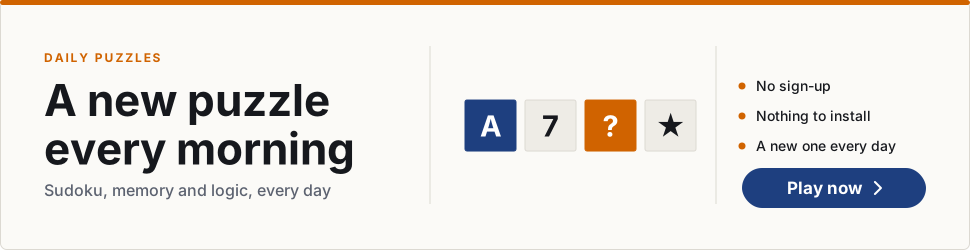
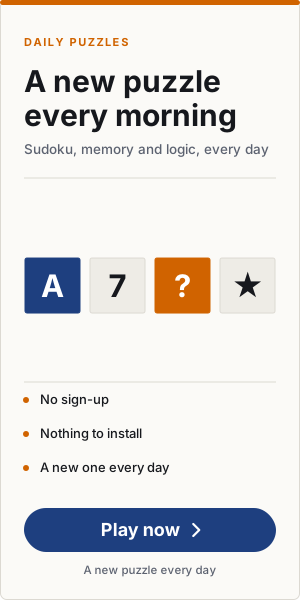
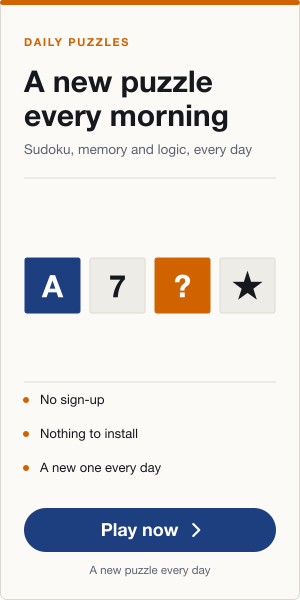
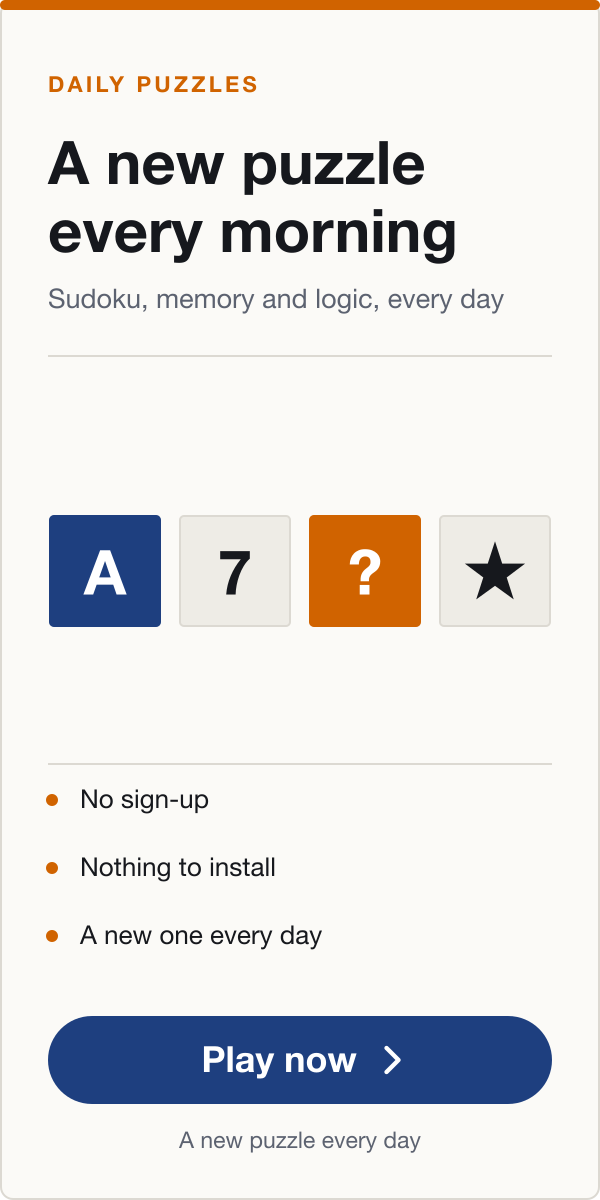
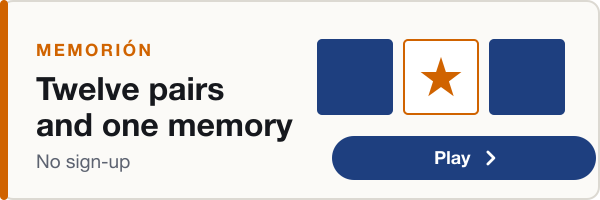
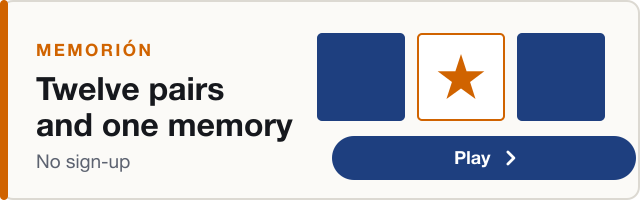
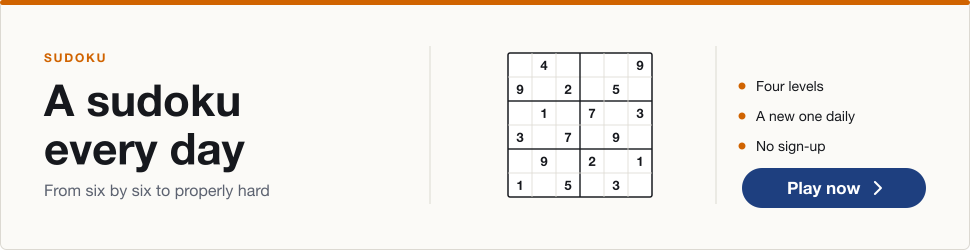
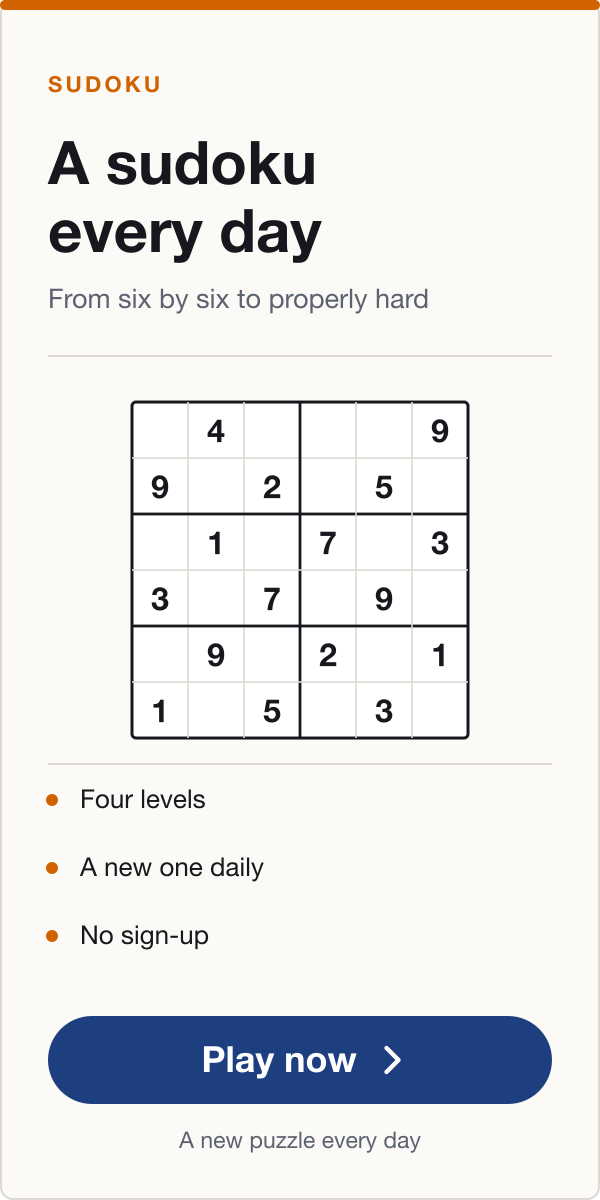
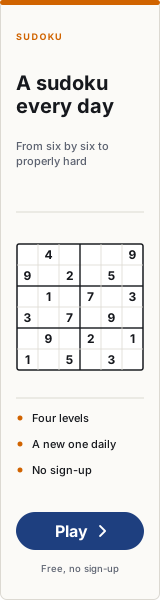
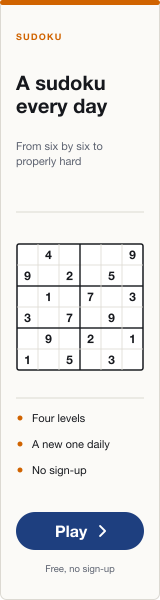
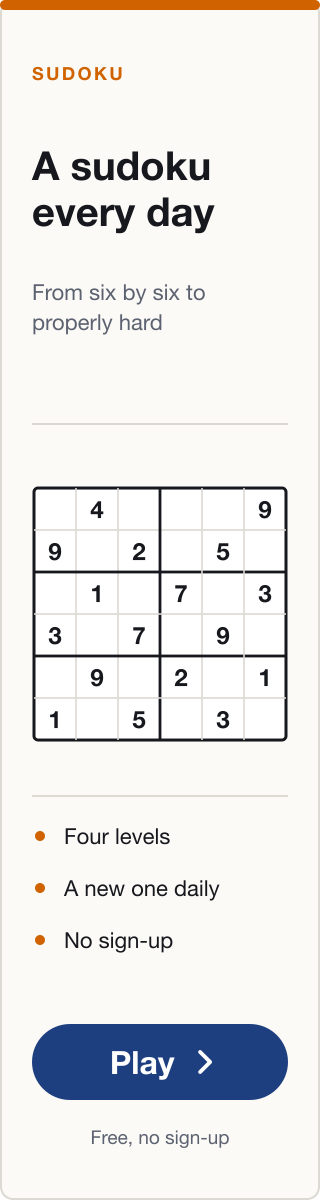
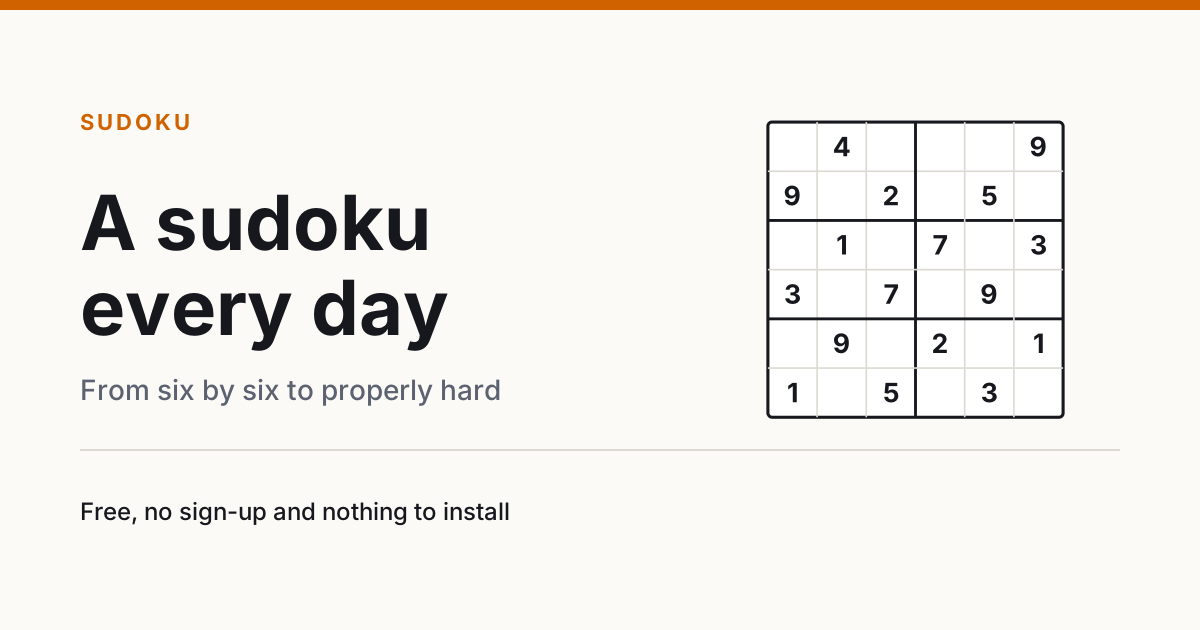
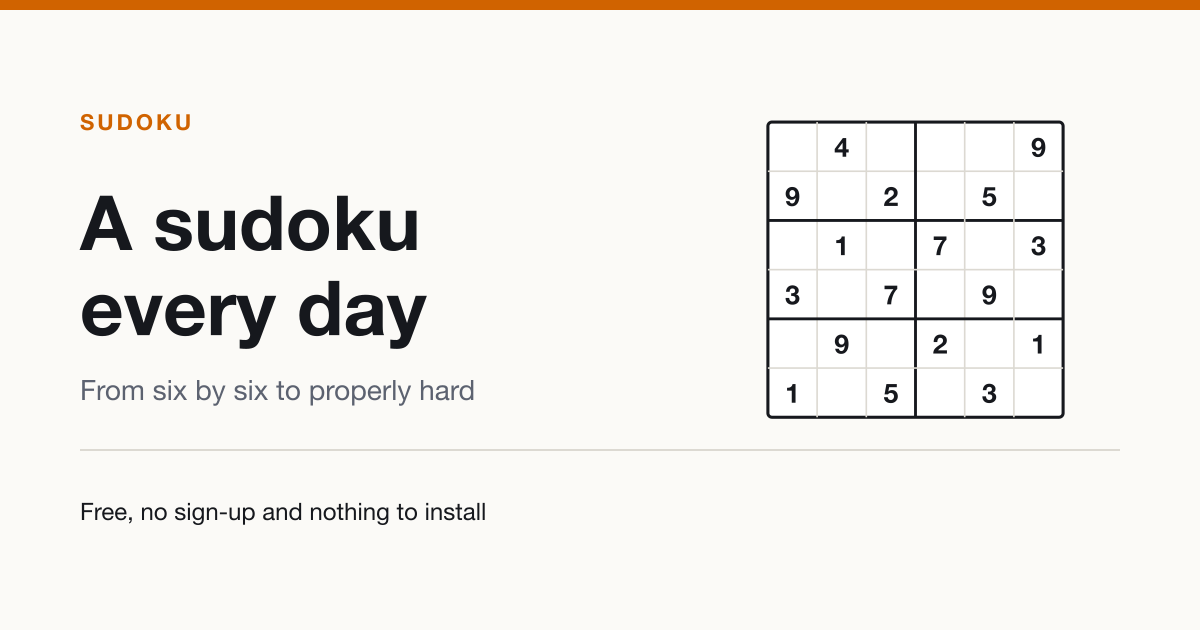
Ready-made banners for any website, with the code to paste them. They carry no brand or publication name inside, so the same piece works for any masthead: the only thing that changes is where they link to.
Replace this address with your section’s and the code below updates itself. The images are served from minijuegosweb.com, so there is nothing to upload.
They work for any publication and any plan: they don’t say how many games there are nor name any, so they don’t go stale when the section changes. If you are only going to place one banner, this is the one.
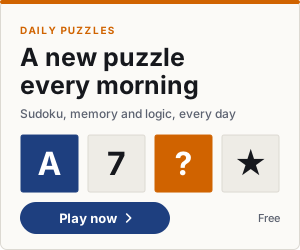
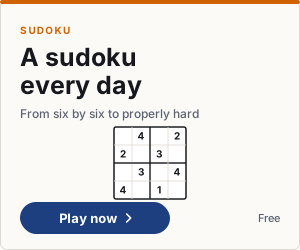
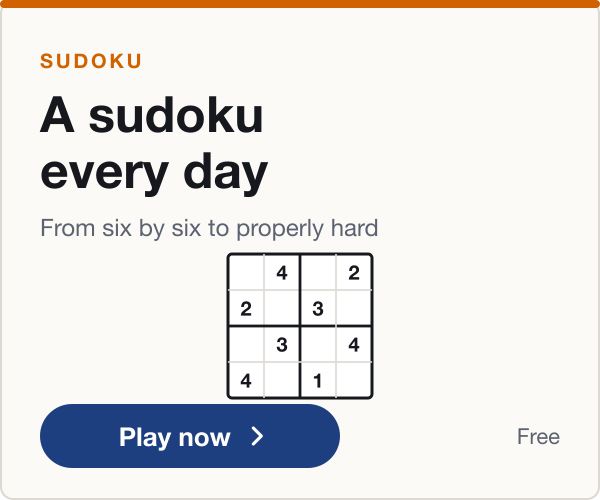
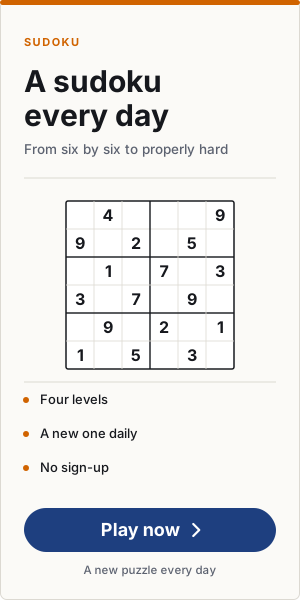
300 × 250Rectangle
The most requested. Sidebar or inside the article.
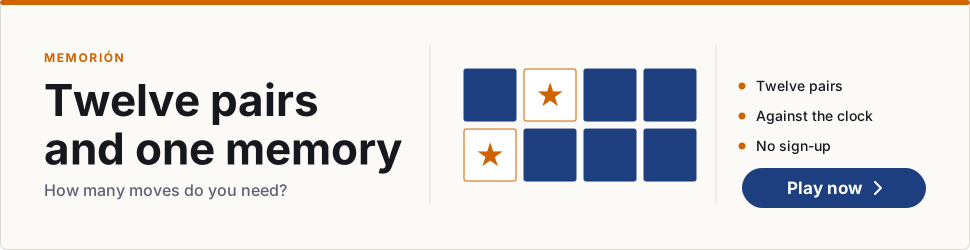
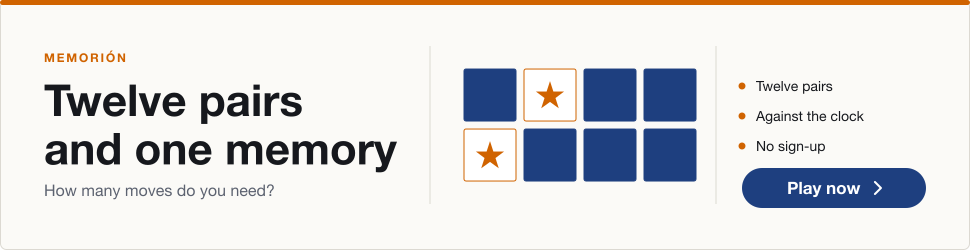
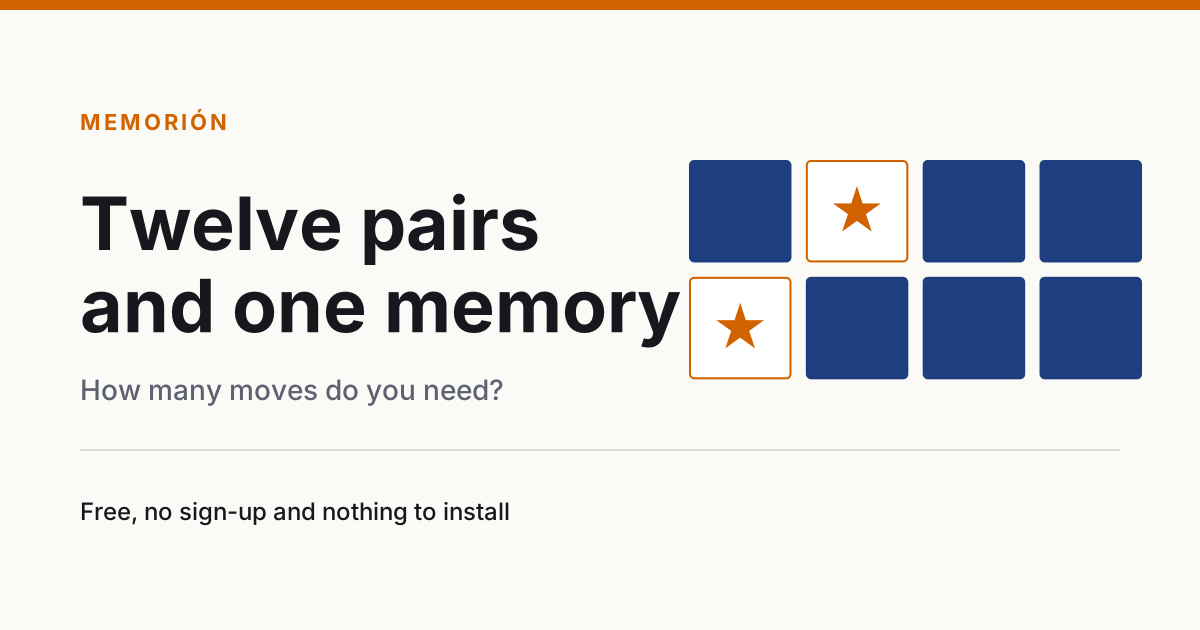
Each game, in the same eight formats. Only paste those for games your section has: a Seven letters banner on a publication without it is a reader who clicks and doesn’t find it.
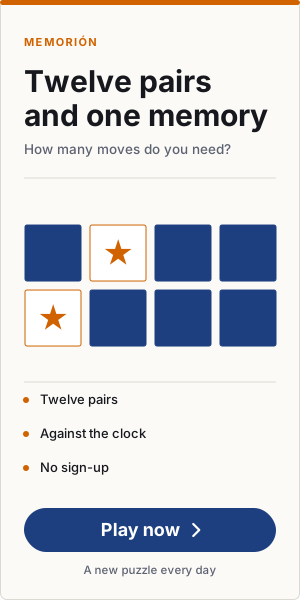
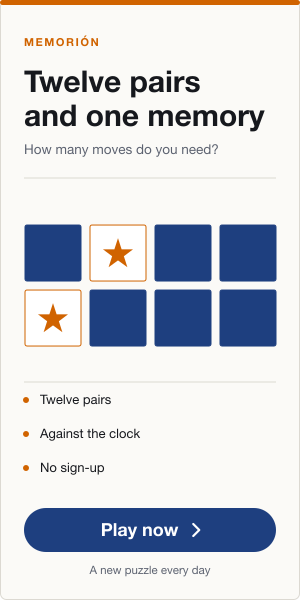
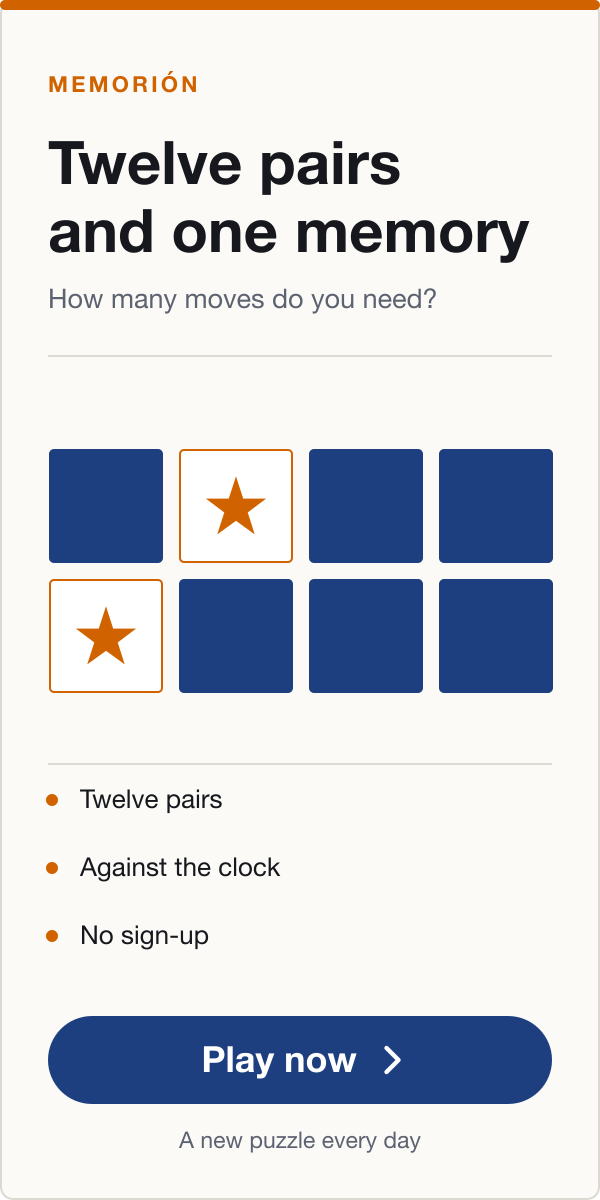
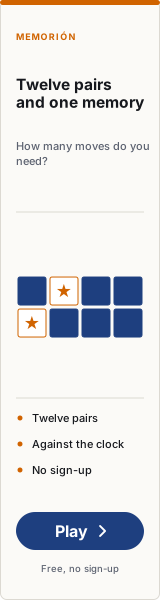
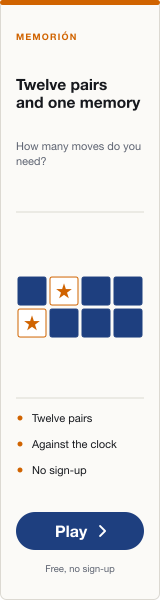
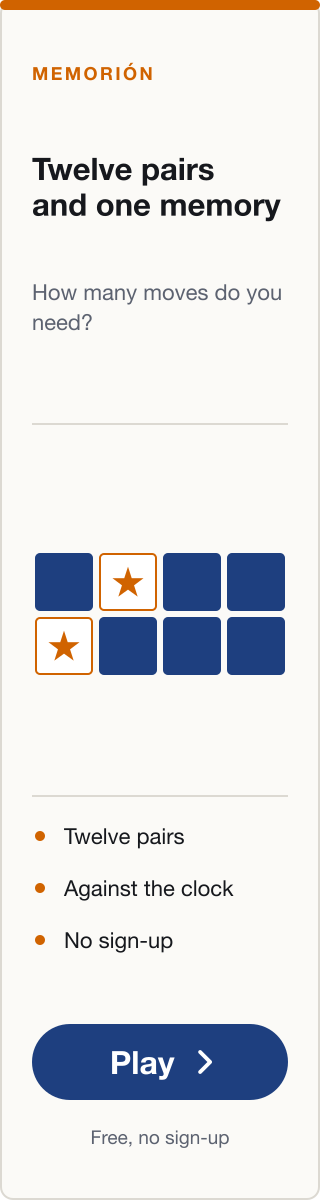
Memorión8 formats
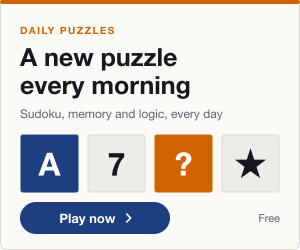
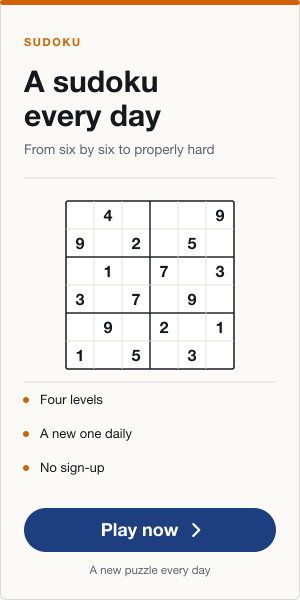
300 × 250Rectangle
The most requested. Sidebar or inside the article.
Copy the code and paste it where the banner goes: in an HTML widget, in a template or in your ad manager. If your manager only lets you upload an image, download the PNG and use your section’s address as the link.
Which version to take. The normal PNG works for everything. The @2x looks sharper on phones and Retina screens, and the code above already requests it when needed; the large pieces don’t have one because at that size it fixes nothing. The SVG is the source: it never pixelates, but some ad managers don’t accept it.
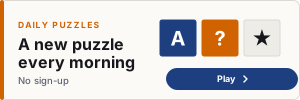
Which format to place. In a column, the 300×250 rectangle. In a header strip, the 728×90 leaderboard, and the 970×250 billboard when there is real room. On mobile, the 320×100 strip. The 1200×630 piece is not a banner: it is the image shown when the section is shared on social media.